Your language is not here? Add it.
PocketOBI and PackScope are translated by the people who use them. If your language is missing, you can bring it: translate the English, and we put it on the screen and check it with you before it ships.
Already there
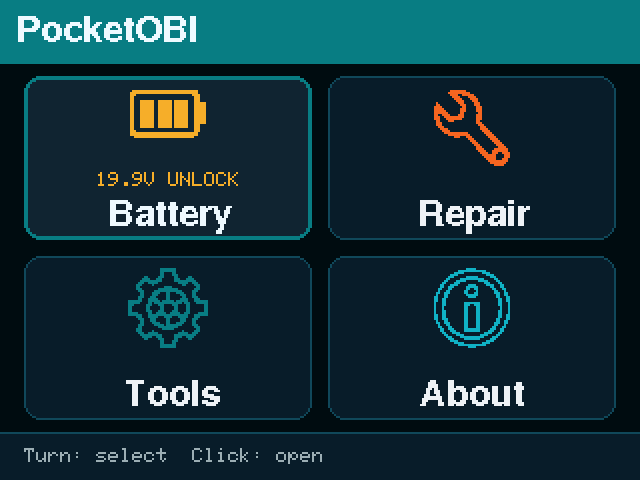
The tools already speak English, French, German, Spanish, Japanese, Korean, Vietnamese, Simplified Chinese and Traditional Chinese. If yours is one of them, review it instead: a second pair of eyes is worth as much as a new language.
Under way, a translator is wanted or already on it:
How it works
Say you are starting
Open an issue with your language first, even before you translate a word. Then nobody does the same work twice, and we can tell you early if your alphabet needs work on the device (see below).
Translate the spreadsheet
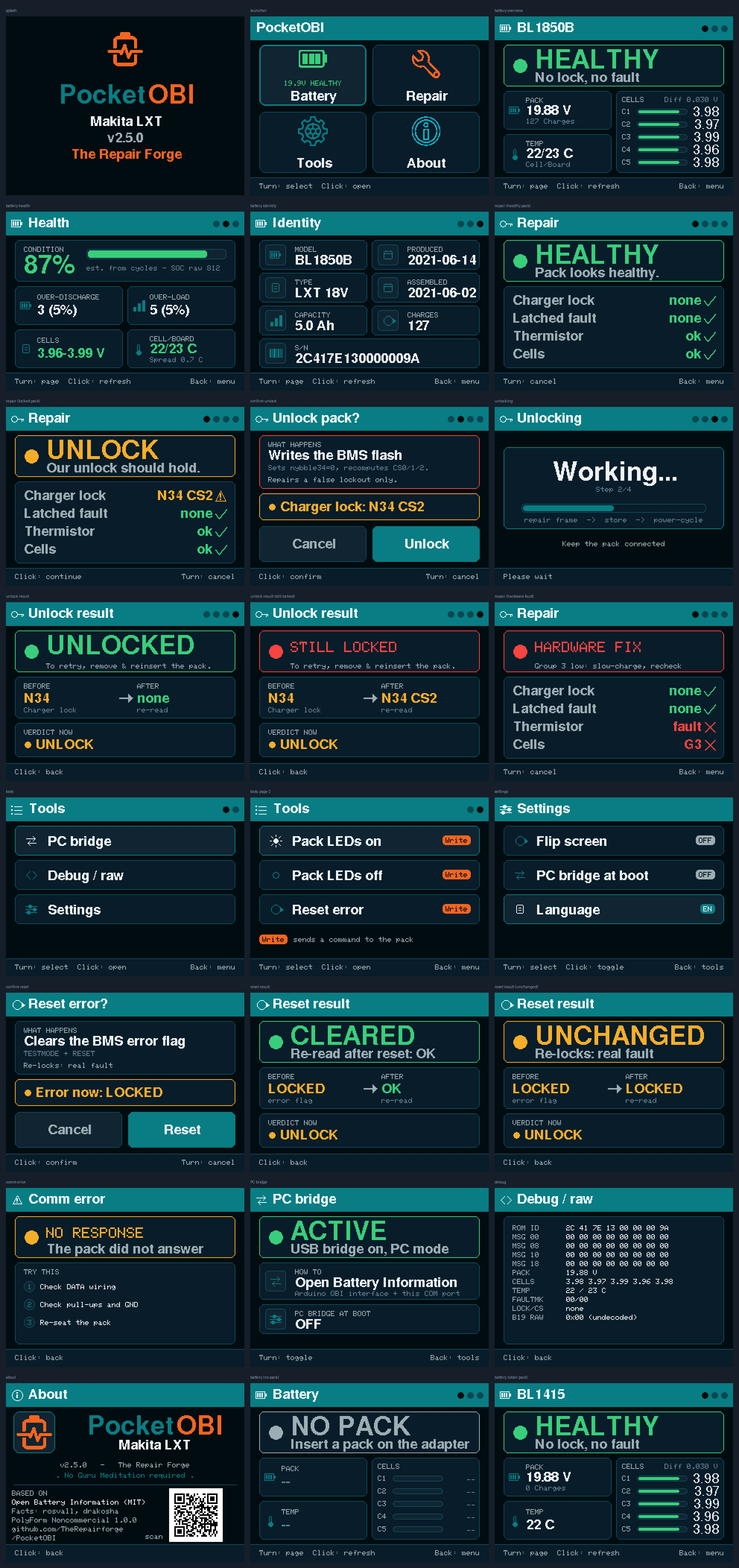
Every string comes with its key and the English text, and the device ones with a length guide: the longest version used today, in characters. Fill the your_translation column, and write any question in note. Look at the English screens while you do it: a word means more next to the screen it sits on.
Check it on the screens
We build your language, render every screen and send you the sheet, so you see your text where it lands before anything is released. Too long somewhere? We come back to you with the place it goes. You are credited in the release notes if you want to be.
You need a free GitHub account to open an issue. Doing both? One issue is enough: say so in it and attach both spreadsheets.
The English files
PocketOBI, the device: 162 strings
Every string on the screen, with its length guide. Keep %d and %s exactly as they are: the device puts a number or a name there.
PackScope, the PC app: 331 strings
No length limit here, and the PC shows accents and full words. Placeholders like %d, %s or {name} stay as they are.
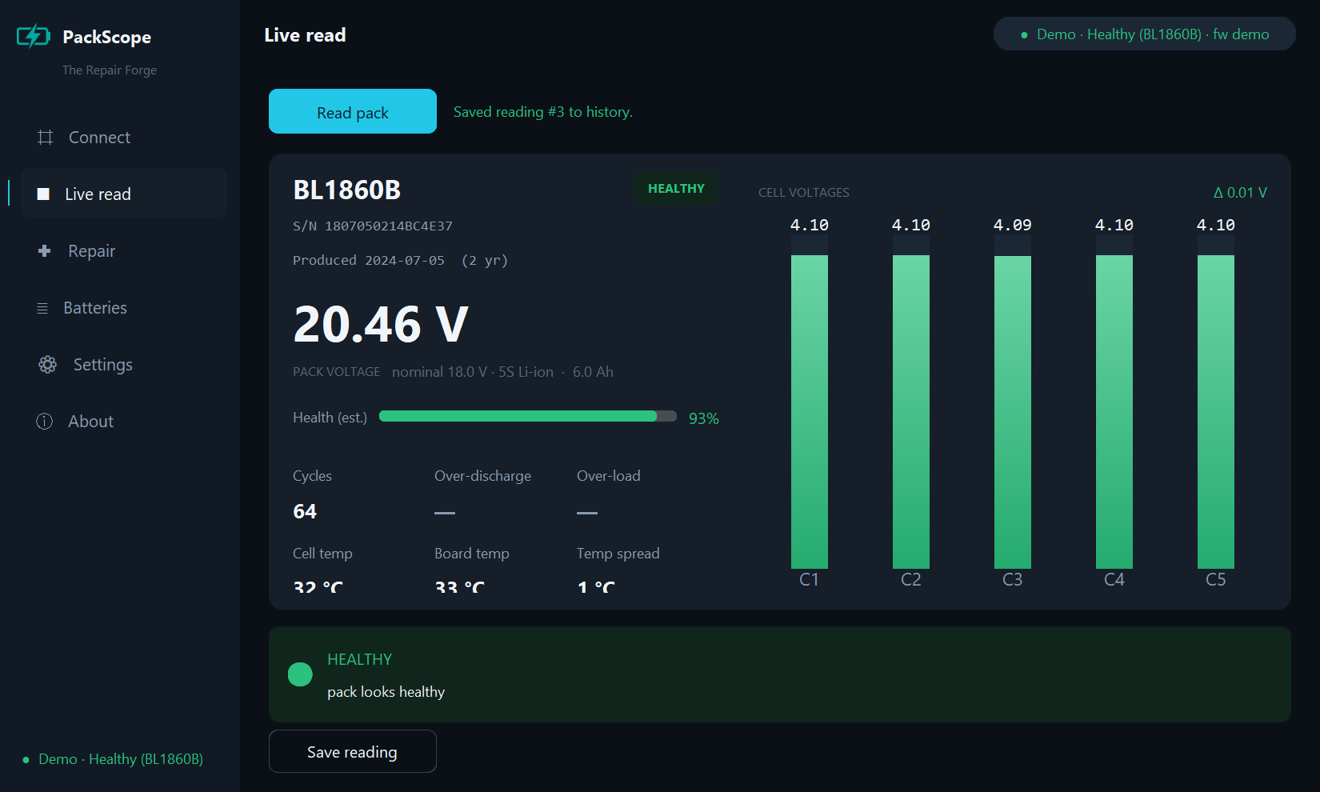
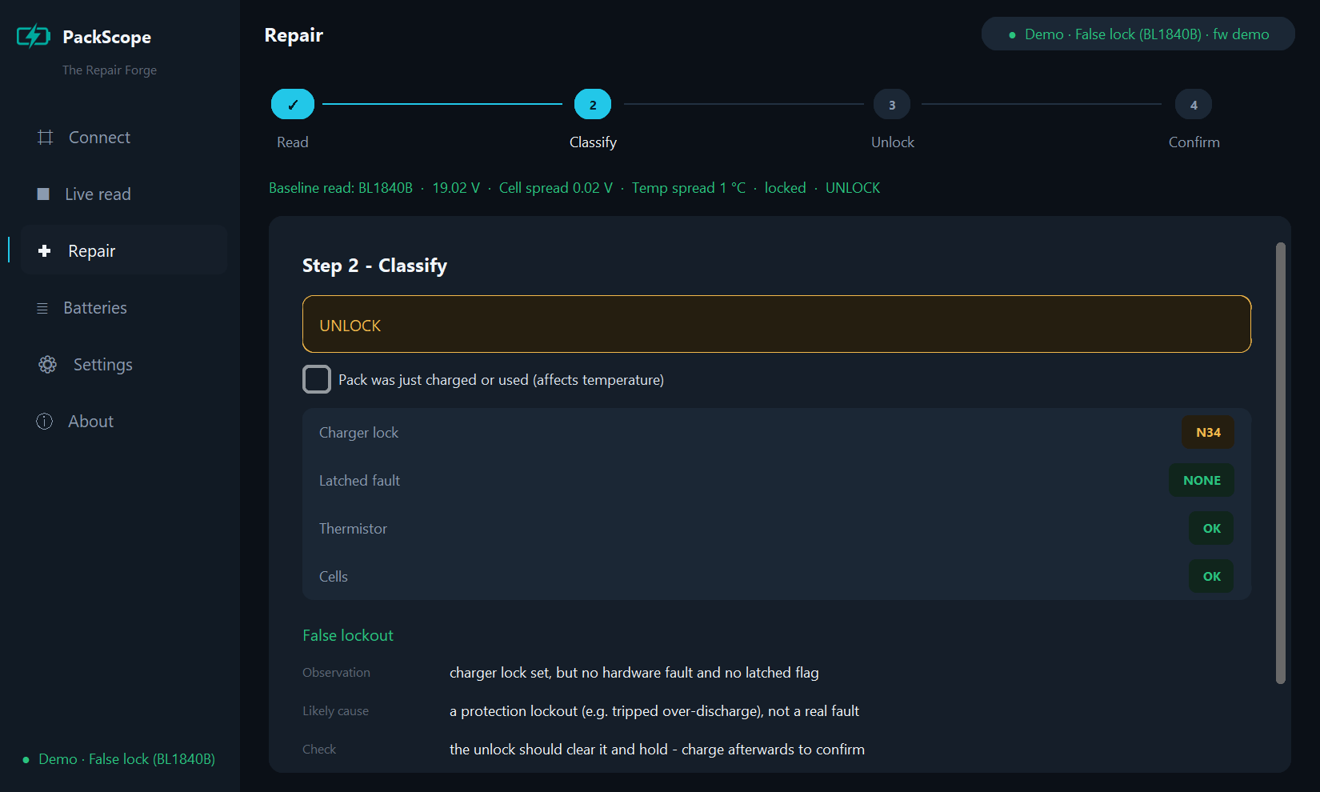
The spreadsheets open in Excel, LibreOffice or Google Sheets. Save as CSV (UTF-8) and attach the file to your issue.
What your alphabet means for the device
The device screen is small and its letters are drawn from built-in letter sets. That decides how fast a language can ship.
Latin alphabet
Polish, Italian, Dutch, Portuguese, Turkish, Czech... The fastest path: the device shows plain letters only, so accents are dropped, as French, Spanish and Vietnamese do today (write a for ą, s for ş). Once the translation is in, it can go out with the next release.
Another alphabet
Cyrillic, Greek... The device needs a letter set for it first, narrow enough for the text to fit. That is real work on our side, so it starts once a translation is in hand, and takes longer.
Right-to-left or joined letters
Arabic, Hebrew, Thai, Hindi... These need more than a letter set. Ask in an issue before you translate, so we can tell you honestly what is possible.
PackScope has none of these limits for alphabets your PC already displays. The full guides, with the rules each tool follows, are on GitHub: PocketOBI and PackScope.