



A Makita battery tester you build yourself.
Reads Makita LXT 18 V batteries, gives one verdict, and clears false lockouts. An ESP32, a screen and a knob. No PC.
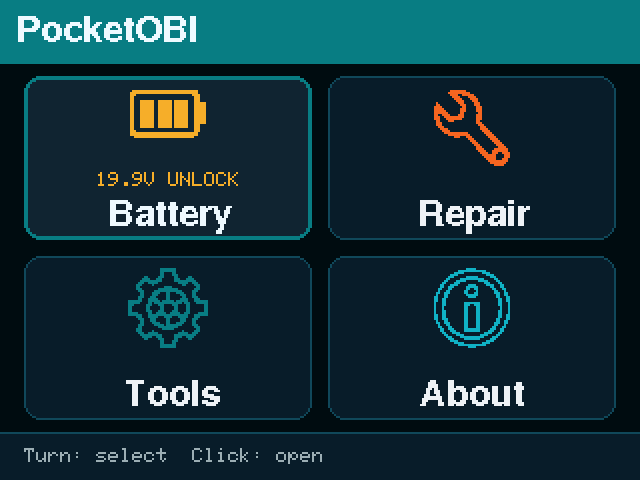
Pick a board
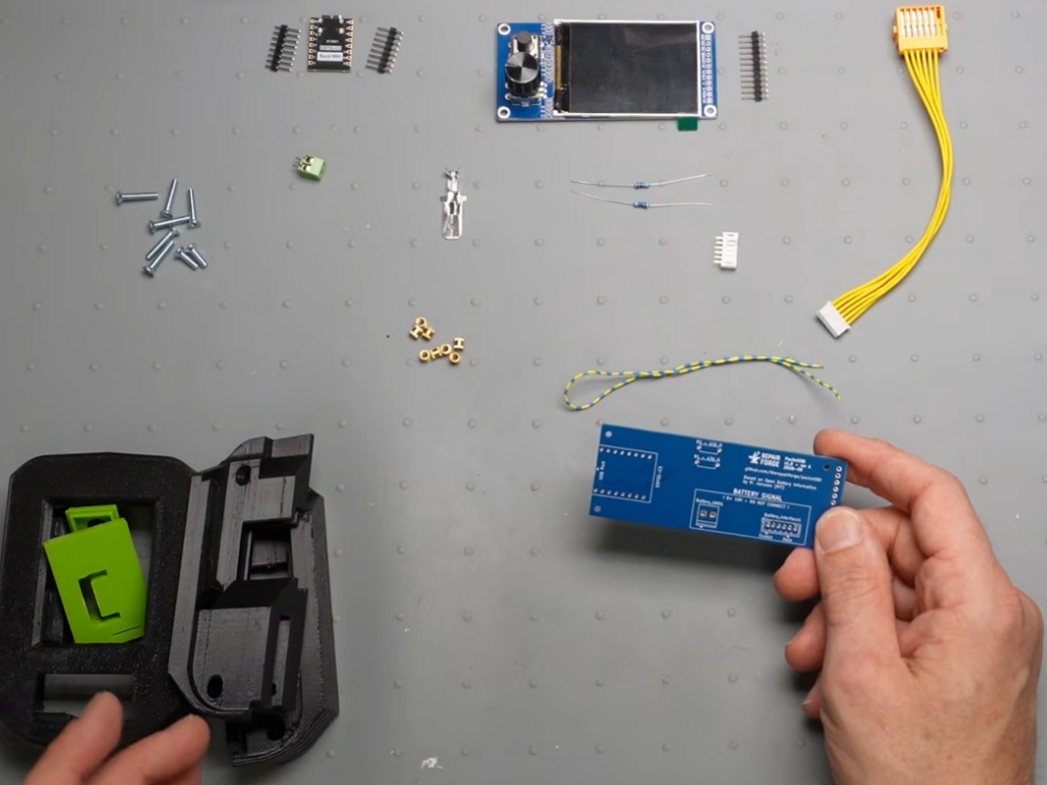
ESP32-C3 on the carrier PCB
The reference build. A rotary knob and a back button, a two-layer board with a handful of hand-solderable parts. Fabricated and bench-validated.
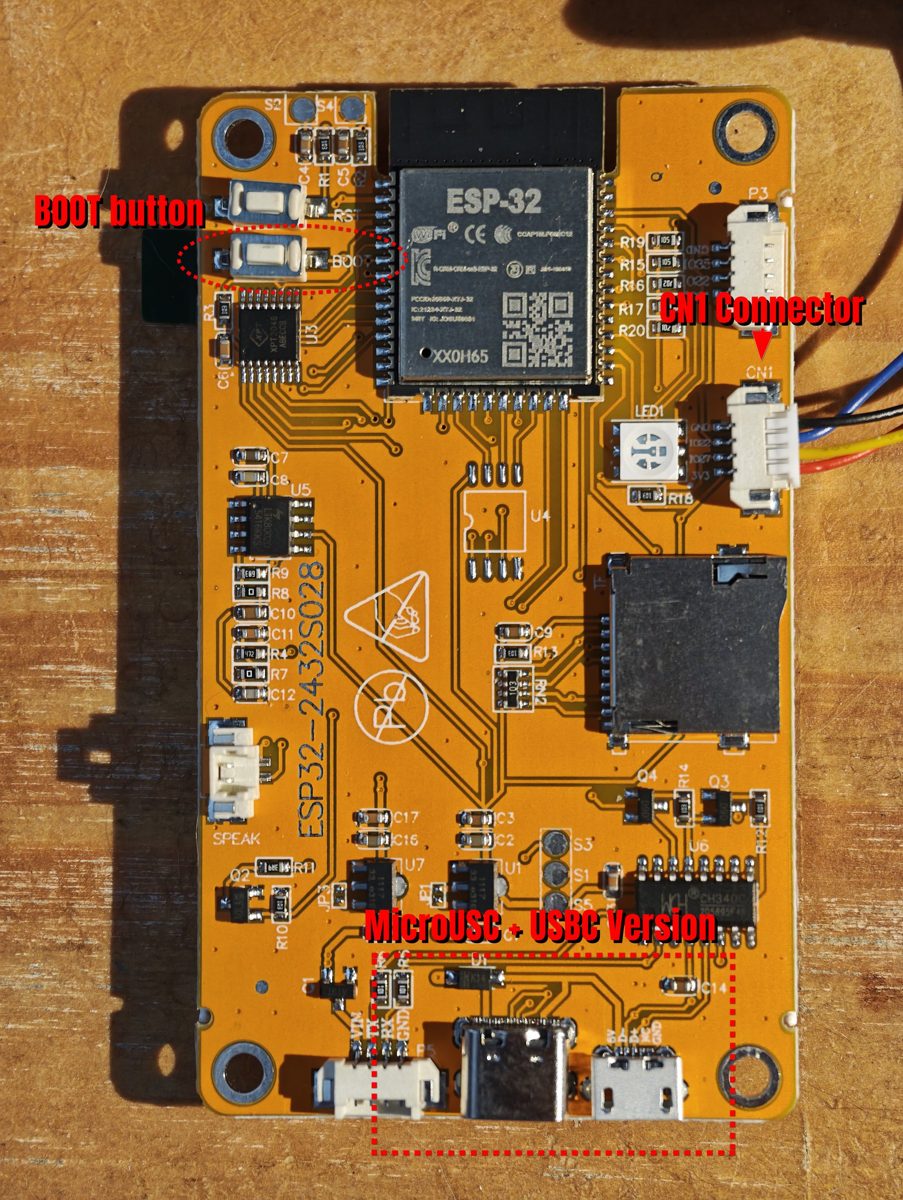
CYD (ESP32-2432S028R)
The "Cheap Yellow Display": same firmware, a touch screen, less soldering. Boards vary between batches, so check yours against the notes first.
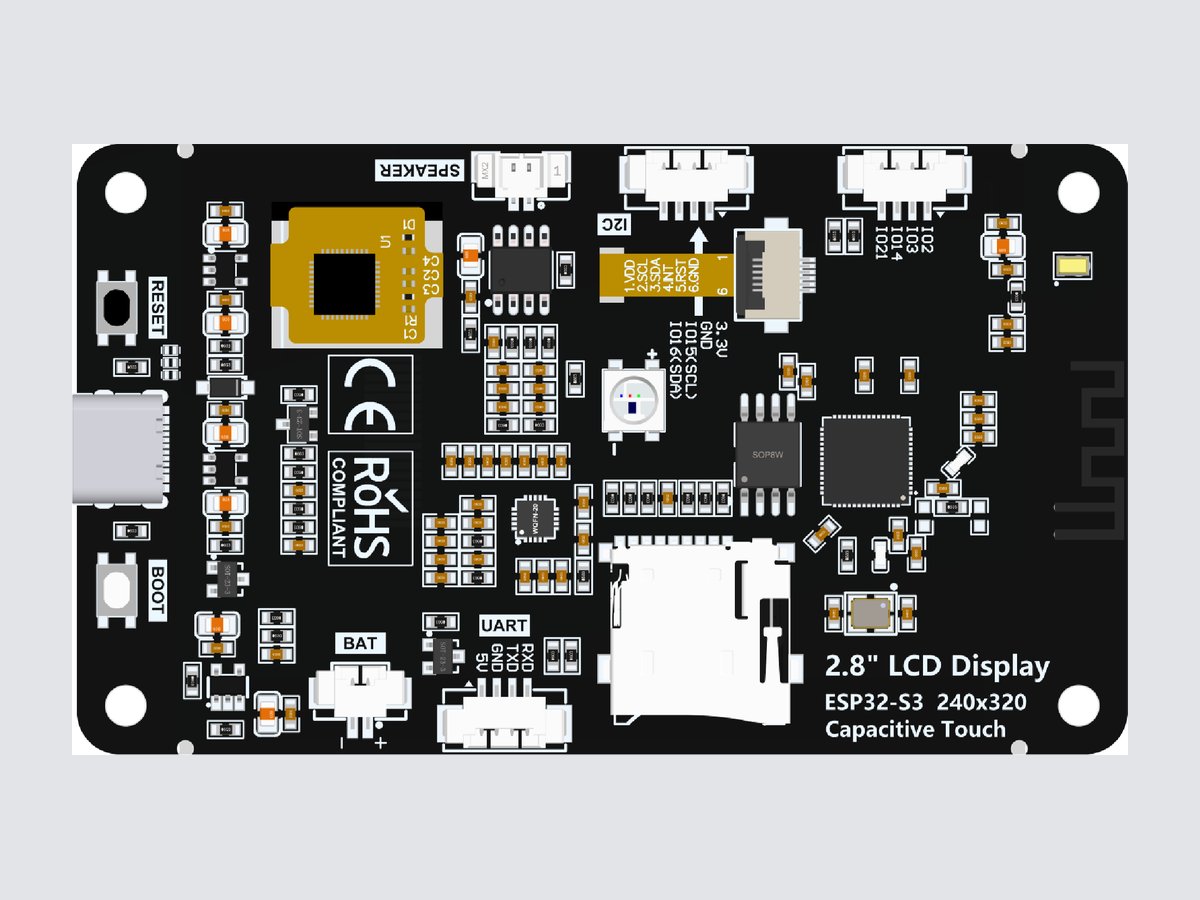
ES3C28P (ESP32-S3)
A 2.8" ESP32-S3 board with a capacitive touch screen. Same firmware as the CYD. It has a LiPo charger on board, but running it from a cell instead of USB is not tested yet.
ES3C28P guide · Board render: LCDWiki
Flash the firmware
Plug the board in with a data USB cable, pick your board, click Install.
Asia firmware, English with Japanese, Korean, Vietnamese and Chinese (日本語, 한국어, Tiếng Việt, 中文):
Works in Chrome and Edge on a computer. Anywhere else, download the firmware from the latest release and flash it with esptool, or build it from source.
Firmware licensed PolyForm Noncommercial 1.0.0. Third-party components.
If it doesn't go as planned
- Board not detected. On the ESP32-C3, hold BOOT while plugging it in. On Windows the CYD may need the CH340 USB driver. The ES3C28P needs no driver; if it is not seen, hold BOOT, press RESET, then release BOOT.
- Mirrored image on the CYD (text reads right to left, the title bar looks olive green). Some CYDs have an ILI9341 screen: install
the instead, then run Settings > Calibrate touch once. Details in the CYD guide.cyd-ili9341file from the releasethecyd-ili9341file from the release - Erase device wipes the saved language and the touch calibration. Leave it unticked for an update.
- Which version is on it? The About screen shows it.
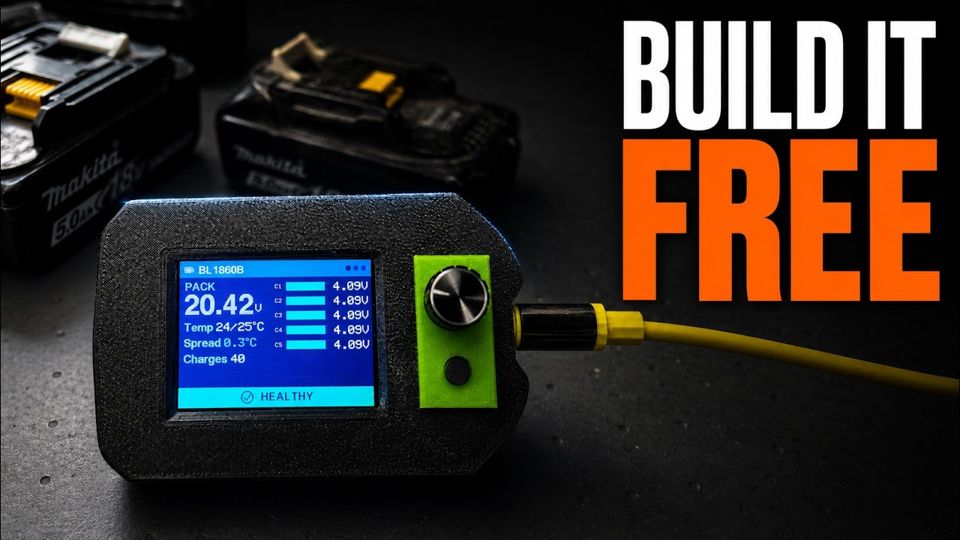 Your makita battery remembers everything you did to it!
The tool screen by screen, then the whole build: parts, PCB, assembly, firmware.
Everything else is on GitHub
The source, the hardware files, the release notes and the full documentation live in the repository.
PocketOBI on GitHub