

Your Makita battery won't charge. That doesn't mean it's dead.
Read what the battery's own management board remembers, decide whether it can be saved, and clear a false lockout when it is one.
Why good batteries end up in the bin
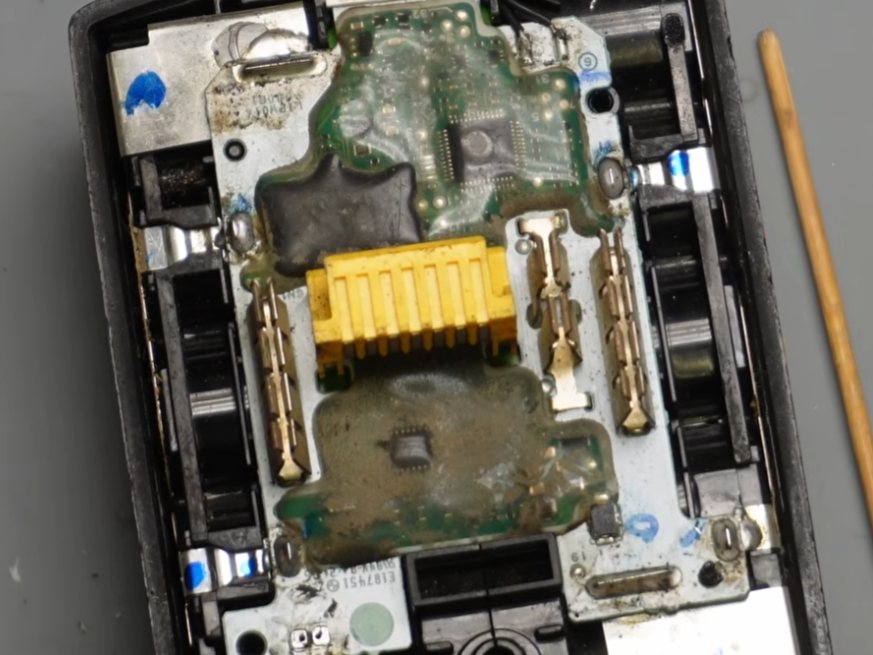
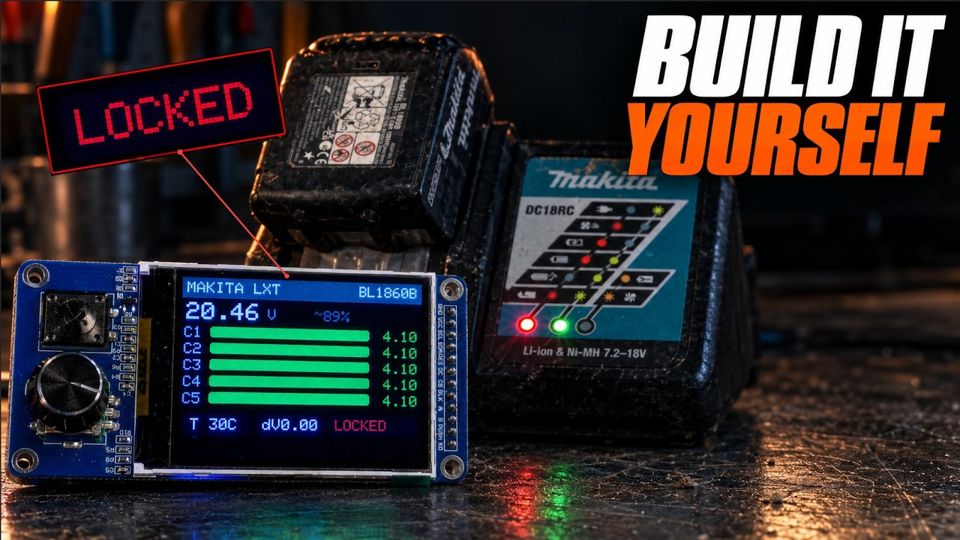
Every Makita LXT pack has a small management board (the BMS) that watches its five cell groups. When something looks wrong, it stores a lock, and the charger refuses the pack from then on. On a Makita charger that is the red and green lights flashing in turn, and a battery that never charges.
Sometimes the lock is right: a cell group has failed, a sense wire has broken, a temperature sensor is dead. Sometimes it isn't. A pack left flat in a van over winter, or one that was briefly over-discharged, can stay locked long after its cells have recovered. The charger can't tell the difference, so it blinks, and the pack gets thrown away.
The only way to know which case you have is to ask the BMS what it saw.
Why Makita locks a good battery, on video.
Diagnose: what it actually reads
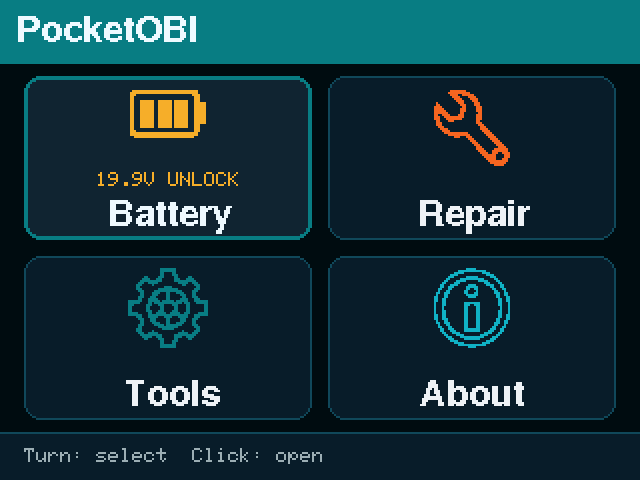
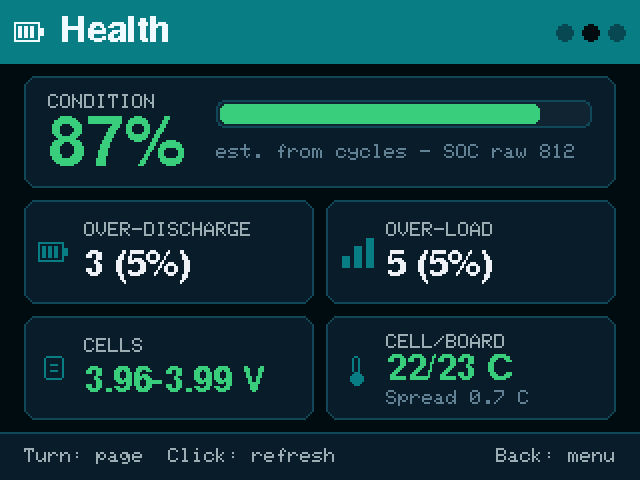
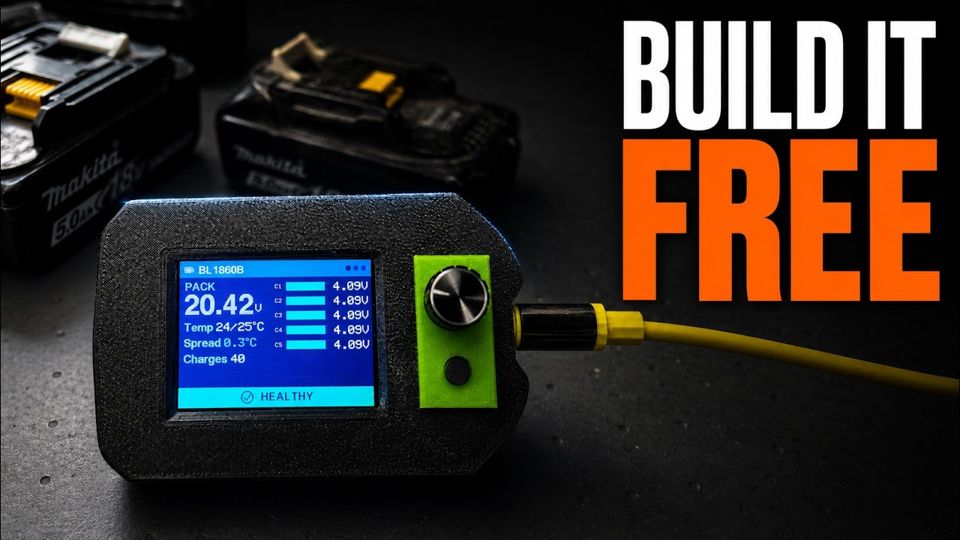
Clip the battery in and PocketOBI reads it in a few seconds, with no PC and no charger. It reads what the management board knows: every cell group and the spread between them, the temperature sensors, the charge count and the wear counters, the date and the lock state.
One verdict, in plain words
All of that ends in one verdict, worded exactly as the device and PackScope show it.
Cells balanced, sensors agree, no lock. Nothing to fix.
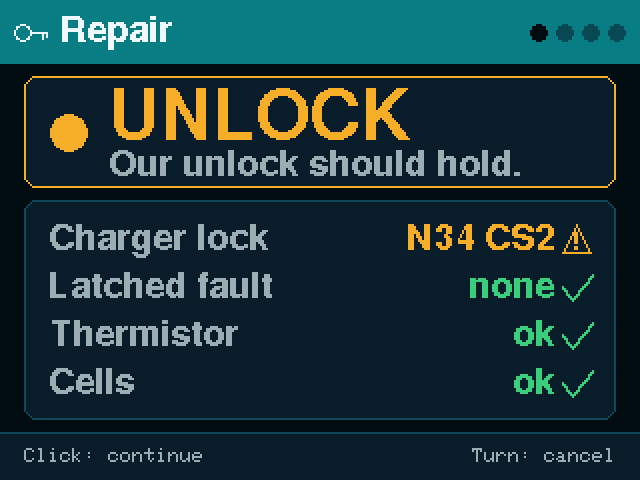
The pack is locked but nothing on it looks broken. This is the false lockout the tool is built for: it can be unlocked.
Something is off but not conclusive, for example a pack run uniformly flat. Charge it carefully and read it again.
A dead or failing cell group, an imbalance, a broken sense wire, a failed sensor. Unlocking won't help: the part needs fixing, or the battery recycling.
A pack that was simply run flat is not condemned for it. A cell group that is genuinely dead is.
Decide: is this battery worth unlocking?
Before anything is written to the pack, the repair wizard runs the checks in order and stops at the first one that fails.
Can it talk?
If the BMS doesn't answer, nothing else matters. The wizard says so and points you to the wiring checklist.
Is anything broken?
It looks for the faults an unlock can't cure: a broken sense wire, a weak cell group, an imbalance between groups, a failed temperature sensor. It names the group or the sensor. Any hardware fault blocks the unlock. You fix the pack first, or you recycle it.
Is it locked, and why?
If the pack is locked and nothing above failed, the wizard calls it a false lockout and offers the unlock.
What no tool can tell you at rest: whether a pack that reads clean today will lock itself again under charge. A pack with a real internal fault does exactly that, about ten seconds into charging. So the charger stays the final test, and we say so on the screen and here. See it happen on a real pack.
Repair: what the unlock does, and what it never does
When the wizard reaches the end, it shows a confirmation screen. Nothing is written before you confirm.
What it does
It clears the false lock the board stored and makes its record consistent again, writes it back, then reads the battery again and shows you the result.
What it does on a Makita LXT battery
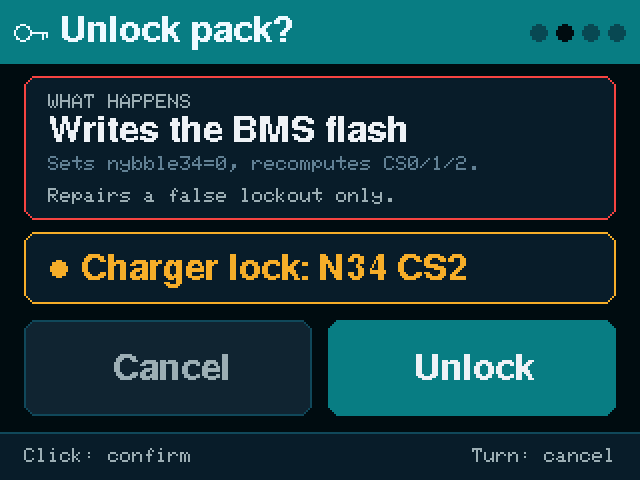
What it never does
- It never erases the failure code. If the BMS recorded a pack as dead, it stays recorded as dead.
- It never touches the manufacturing or status data.
- It never forces anything. If the record is already valid, nothing is written.
- It can't overrule the BMS. A pack with a real fault locks itself again, and that is the correct outcome.
Watch it work
Found a pack it reads wrong? Open an issue on GitHub.
Read this before you clip anything in
These are lithium-ion packs. Treat them that way.
- There is up to about 21 V on B+. It must never reach the ESP32. PocketOBI is powered from USB, never from the pack.
- An unlock only helps a pack whose cells are healthy. Don't use it to put a pack with a bad or low cell back into service. That is how packs catch fire.
- Charge an unlocked pack where you can watch it, on a non-flammable surface, the first time.
- No warranty. This is a hobby project, used at your own risk. If you're not comfortable around lithium cells, this isn't the project to start with.
Two ways to do it
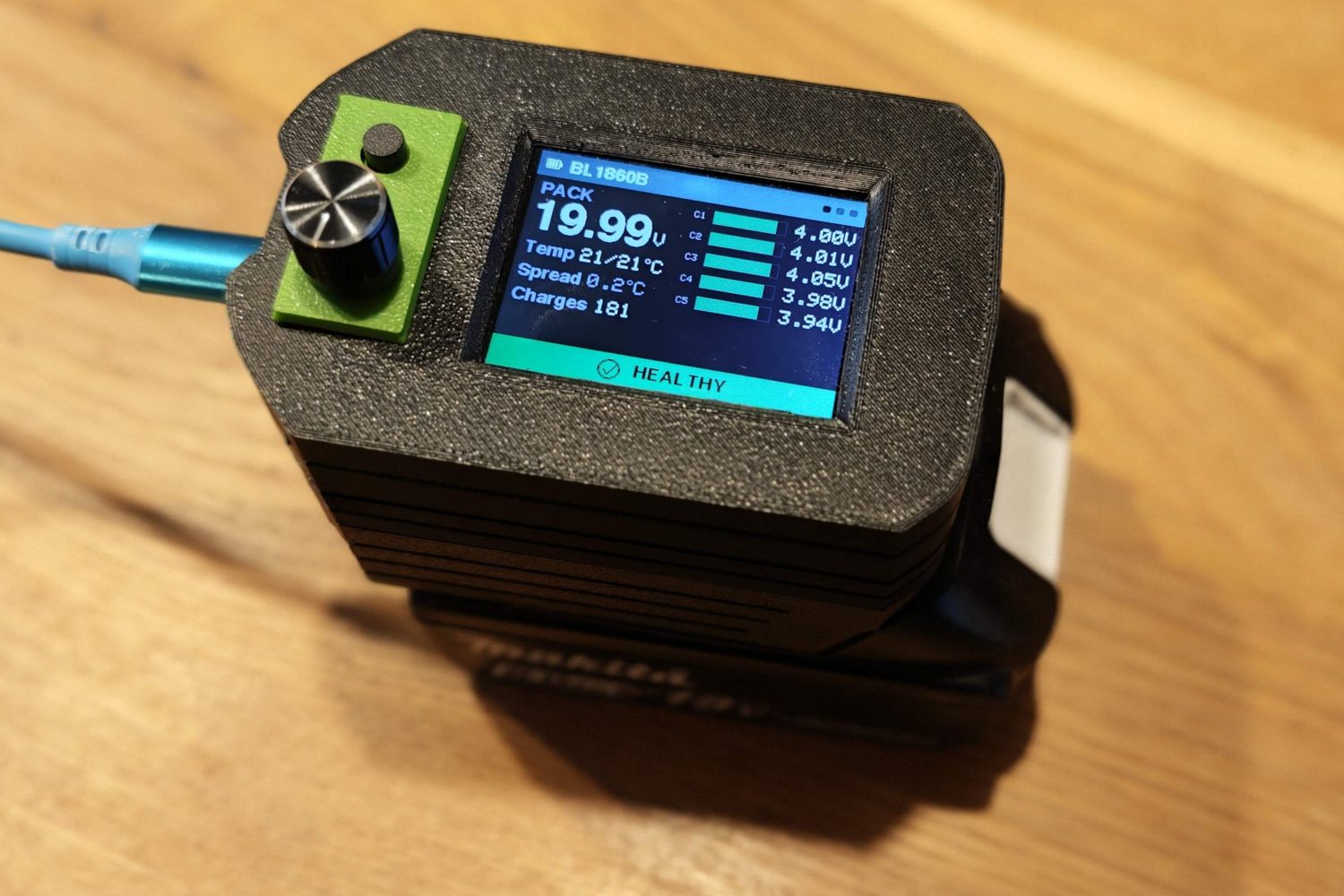
At the bench: PocketOBI on its own
A small box with a screen and a knob. It reads the pack, gives the verdict and runs the repair wizard. Nothing else needed.
Build a PocketOBI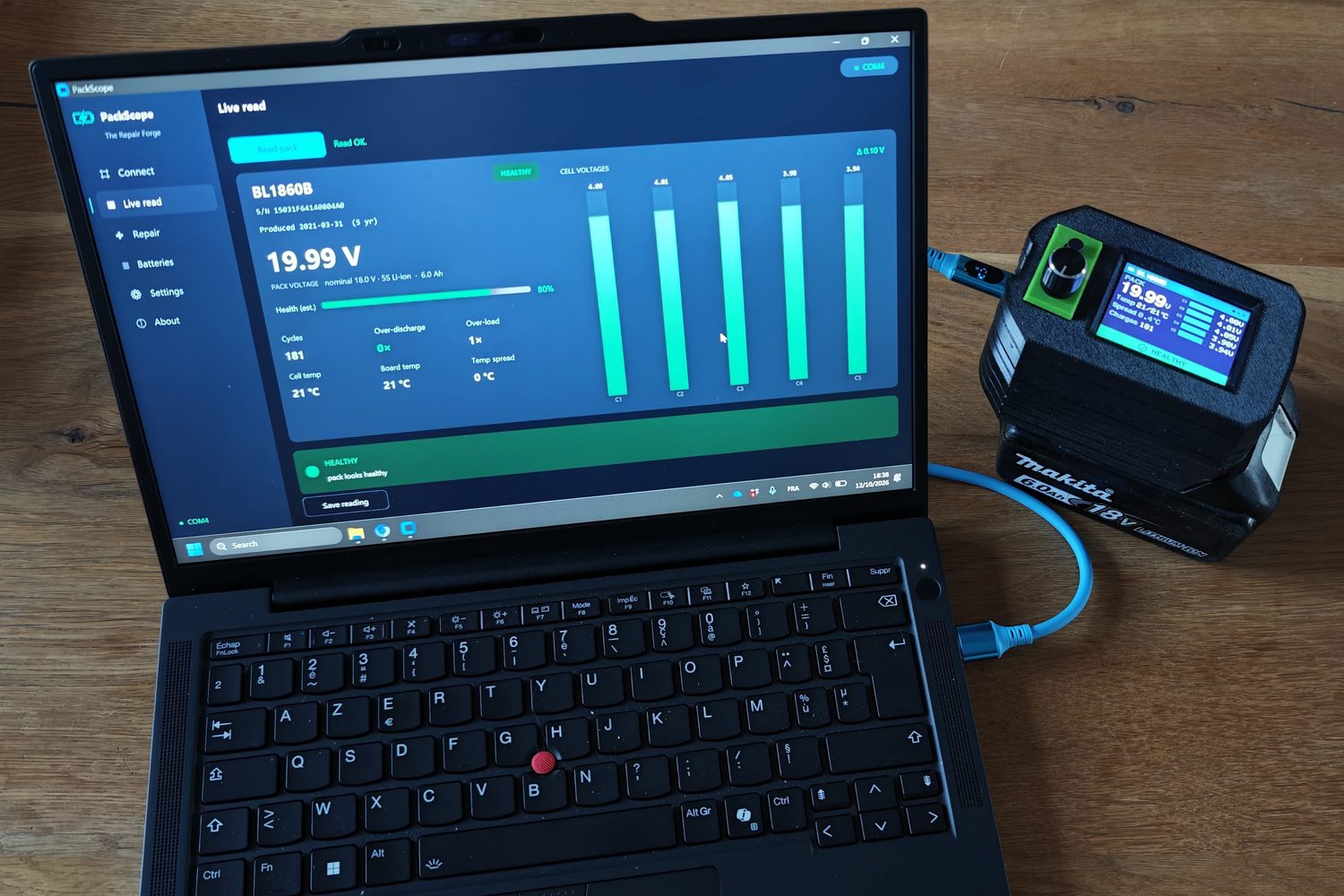
At the desk: PocketOBI and PackScope
Plug the same PocketOBI into a computer and PackScope reads through it: every reading saved, history per pack, CSV export, and the same verdict and wizard on a bigger screen.
Add PackScopePocketOBI speaks the Makita protocol documented by Open Battery Information (Martin Jansson, MIT).