



Read Makita batteries on your computer, through your PocketOBI.
Every reading saved, a history per pack, and the same verdict and repair wizard on a bigger screen.
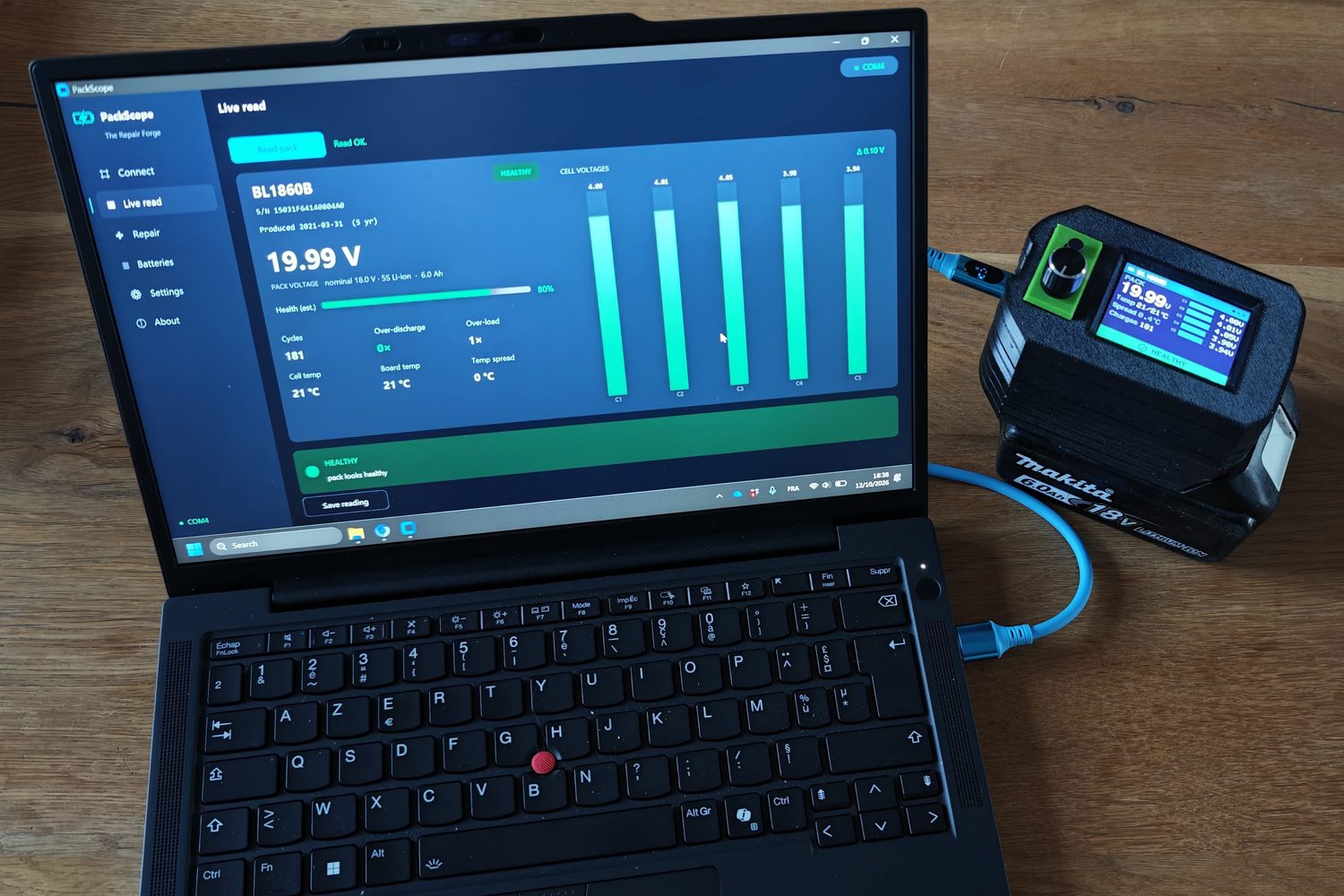
What it adds to the device
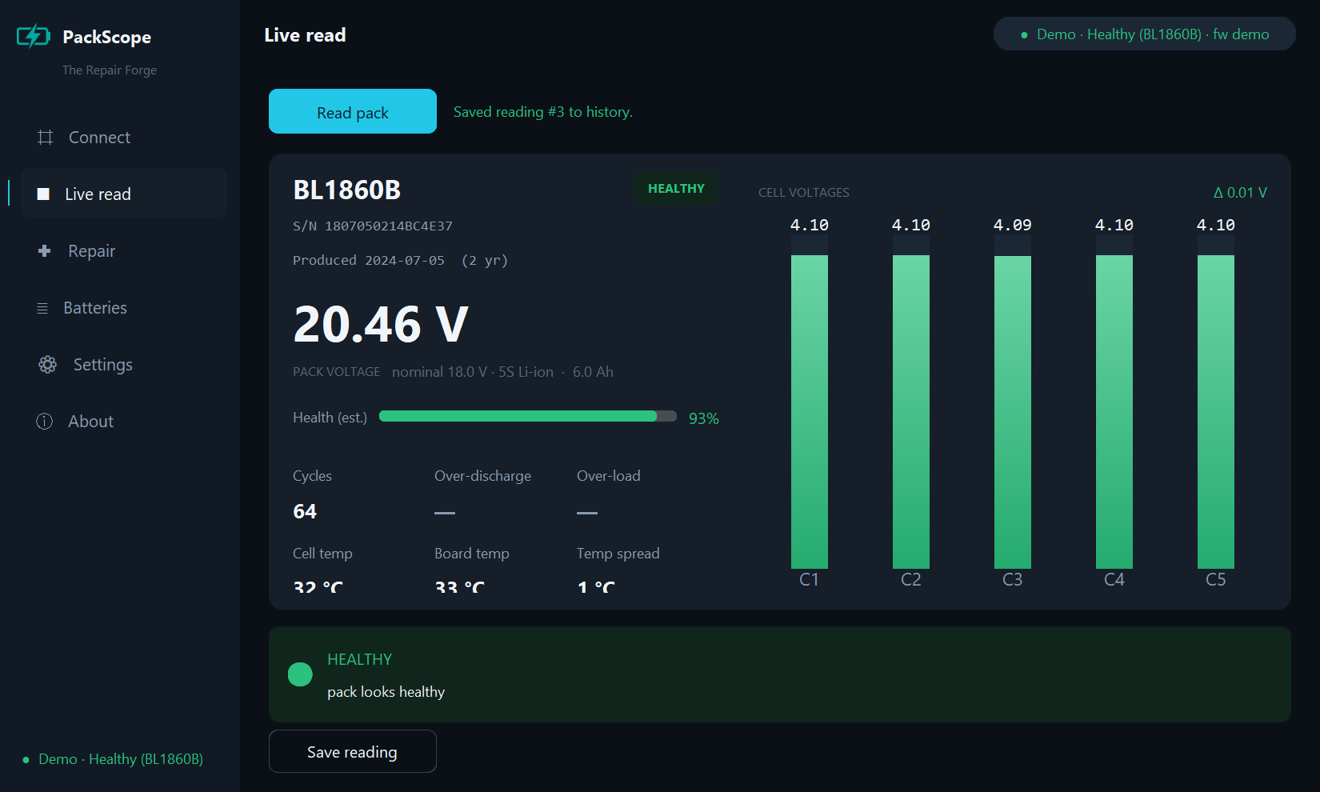
- A history per pack. Every reading goes into a local file on your computer. Nothing leaves your machine.
- CSV export and a JSON report you share only if you choose to.
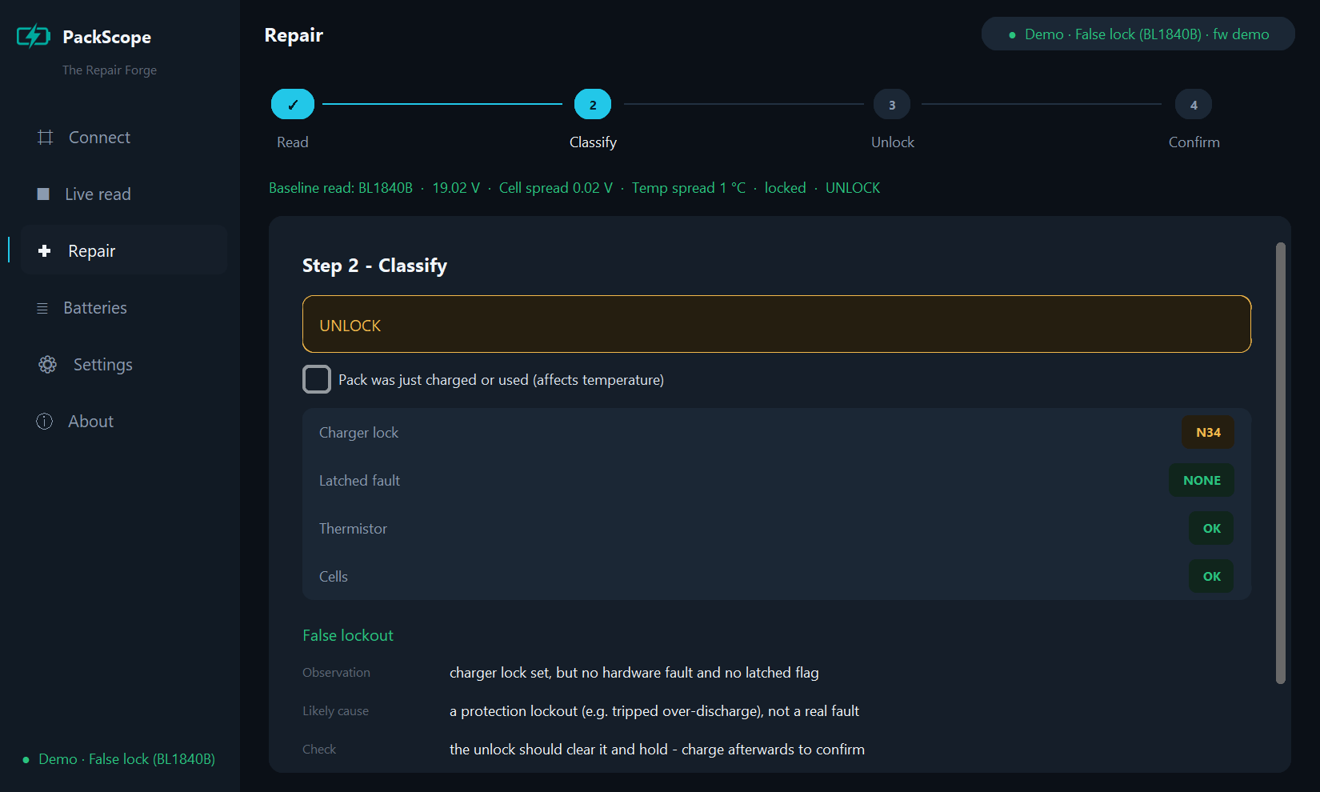
- The same verdict and repair wizard, ported from the firmware so the two always agree.
- A demo mode with sample packs, to try it before you own a PocketOBI.
It connects to PocketOBI in PC bridge mode over USB. If it can't see the device, the bridge troubleshooting steps cover it.
Download
Windows
Unsigned build. If SmartScreen stops it, choose More info, then Run anyway.
macOS
Unsigned build. The first time, right-click the app and choose Open.
Linux
Extract, then chmod +x the binary.
All versions and release notes: PackScope releases. To run it from source, see the README.
PolyForm Noncommercial 1.0.0: free for personal use, repair and education. Commercial use needs a separate licence; ask through GitHub issues.