

Makita LXT battery tester: read it, check it, unlock it.
Charger flashing red and green? See what the battery remembers, whether it can be saved, and what the unlock fixes.
What it reads on an LXT battery
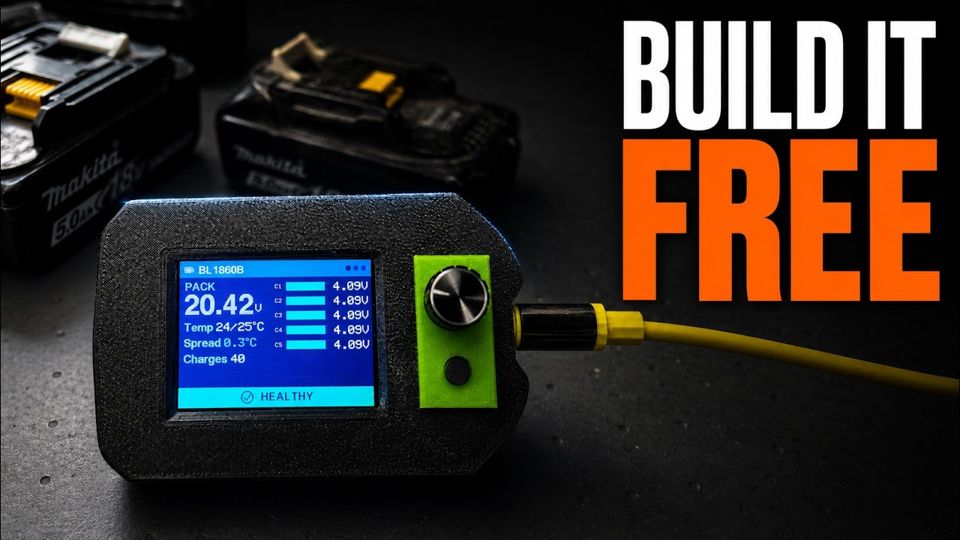
Clip the battery in and PocketOBI reads it in a few seconds. No PC, no charger.
- Every cell group, individually, and the spread between the highest and the lowest.
- Both temperature sensors, side by side. One that disagrees strongly with the other usually means a failed sensor, not a hot battery.
- Charge count and the wear counters the BMS keeps for over-discharge and overload events.
- Manufacturing date, model, capacity and serial number.
- Lock state: whether the charger lock is set.
- BMS generation: older F0513-based batteries are detected and read with their own command set.
It also shows a Condition figure: our own estimate from the charge count, labelled as such. It is not Makita's internal state-of-health number, and it doesn't pretend to be.
All of it ends in one verdict, the same on the device, in the repair wizard and in PackScope.
The numbers nobody shows you and the tool, screen by screen, on video.
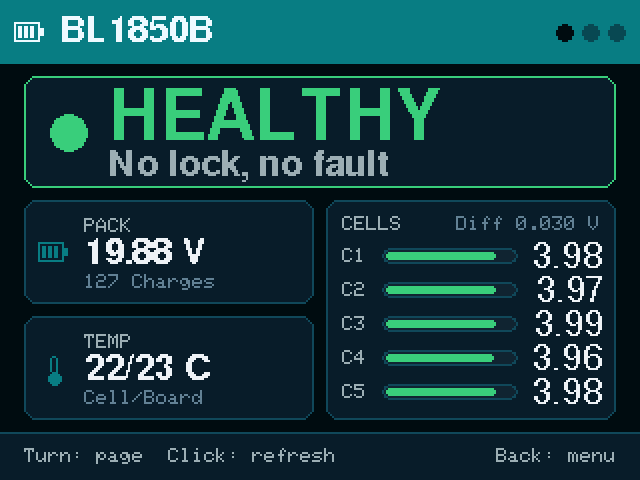
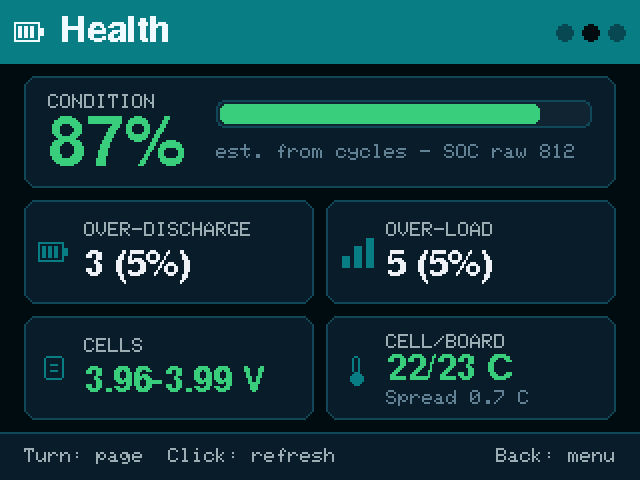
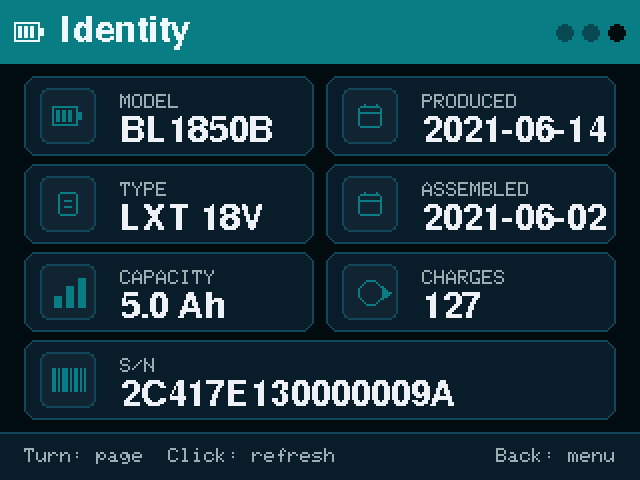
Overview, Health and Identity pages. Sample battery, real firmware screens.
The adapter
PocketOBI talks to the battery through a Makita LXT adapter that clips onto it. Three wires: data, enable and ground. Power comes from USB, never from the battery.
The one trap: identify DATA and ENABLE by the ESP32 silkscreen, not by the adapter's connector numbering. Some adapters number their connector from the other end. And B+ is never connected.
- Wiring, in the README PocketOBI / README.md
- Wiring on a CYD PocketOBI / docs / CYD_GUIDE.md
- Wiring on an ES3C28P PocketOBI / README.md
Unlock or reset an LXT battery, only when it is safe
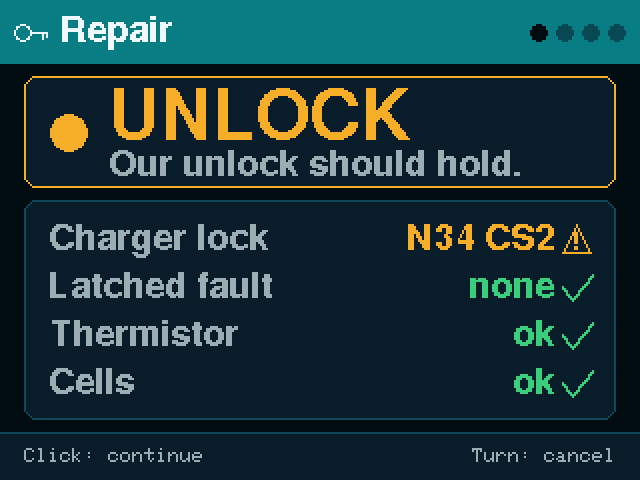
When the verdict is UNLOCK, the repair wizard checks the battery, shows a confirmation screen, and only then writes. Nothing is written before you confirm.
What it does
Clears the charger-lock flag in the BMS memory, recalculates the checksums the charger and the BMS verify, writes the record back, and clears the internal error register. Then it reads the battery again and shows you the result.
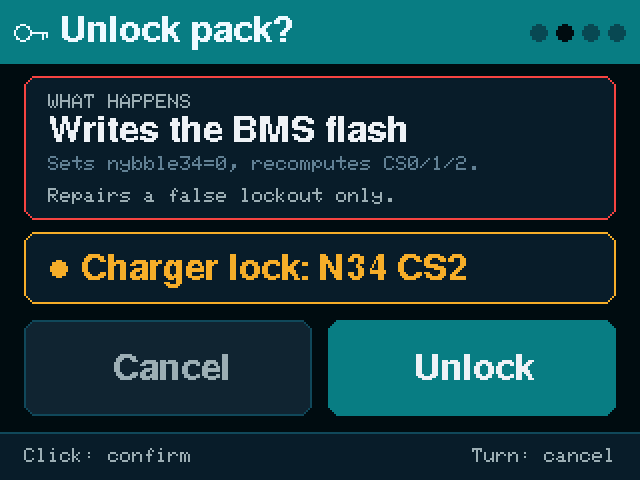
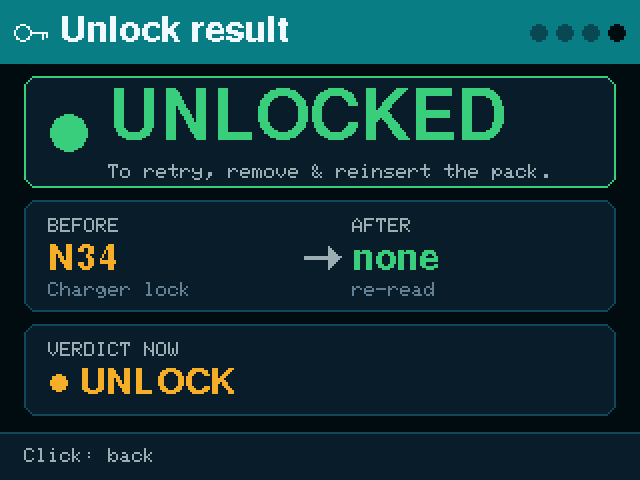
Confirm, then the result read back from the battery.
What it never does
- It never erases the failure code. If the BMS recorded the battery as dead, it stays recorded as dead.
- It never touches the manufacturing or status data.
- It never forces anything. If the record is already valid, nothing is written.
- It can't overrule the BMS. A battery with a real fault locks itself again, and that is the correct outcome.
- What it writes, byte by byte PocketOBI / README.md
Three locked packs, three outcomes
The unlock is not magic, and the video shows it. One pack charges again. One reads clean but the charger still refuses it: a temperature sensor gives the real fault away, and that pack is repaired further down. One unlocks, then locks itself again under charge.
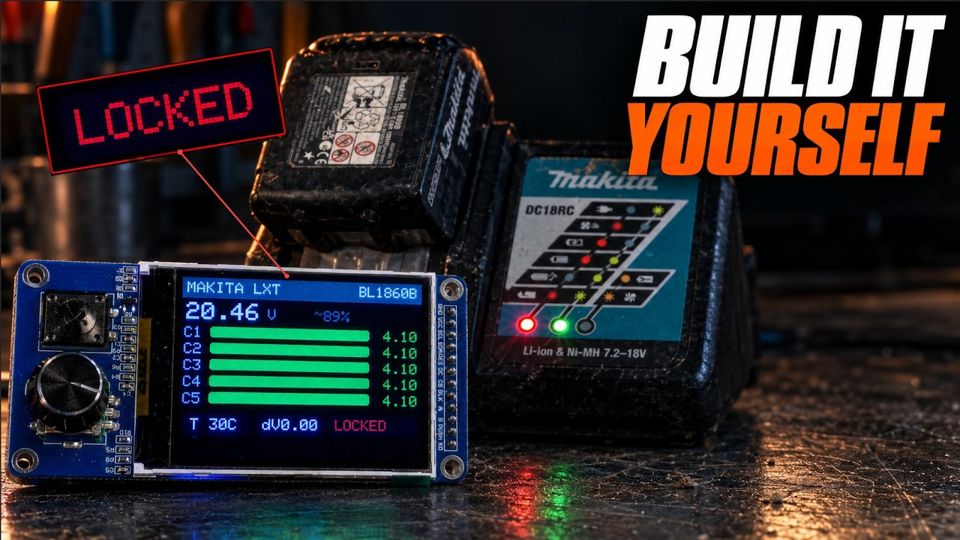
Before you try it: read the safety notes.
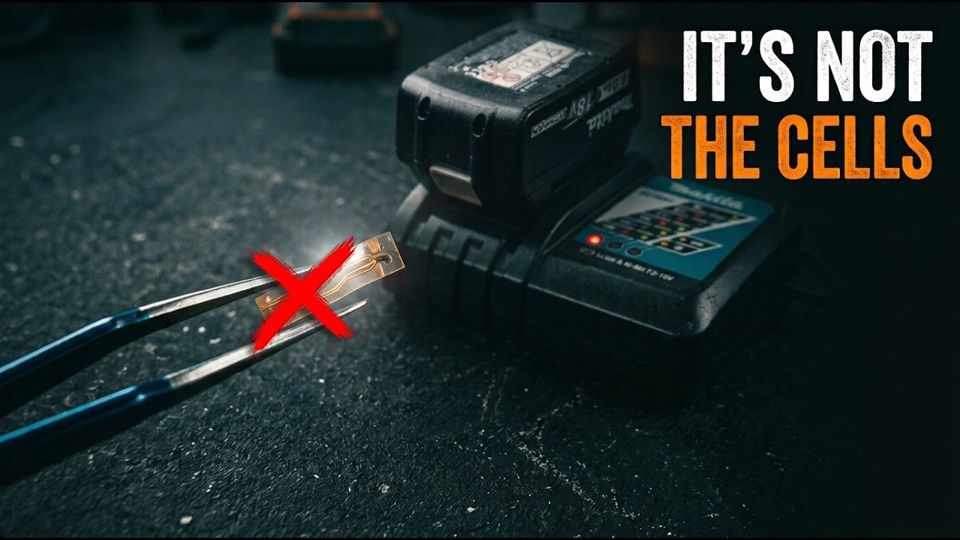
When the verdict says hardware
An unlock can't fix a broken part. Sometimes the part is cheap and the fix is a soldering job. This video is one of those: it is pack 2 from the three locked packs above, the one that read clean and still would not charge, opened and repaired.
In the video, a 10 kΩ resistor stands in for the thermistor only to prove it is the culprit. That is a diagnostic step, not a repair: the fix is a new thermistor.
The short version: Makita battery not charging? It's this 20 cent part
LXT on the channel
Credits for this platform
PocketOBI speaks the Makita protocol documented by Open Battery Information (Martin Jansson, MIT), with the rosvall LXT protocol documentation and the obi-esp32 port by appositeit as references.
Makita and LXT are trademarks of Makita Corporation, named only to say which batteries this works with. Not affiliated with or endorsed by Makita.